
Buyer fit
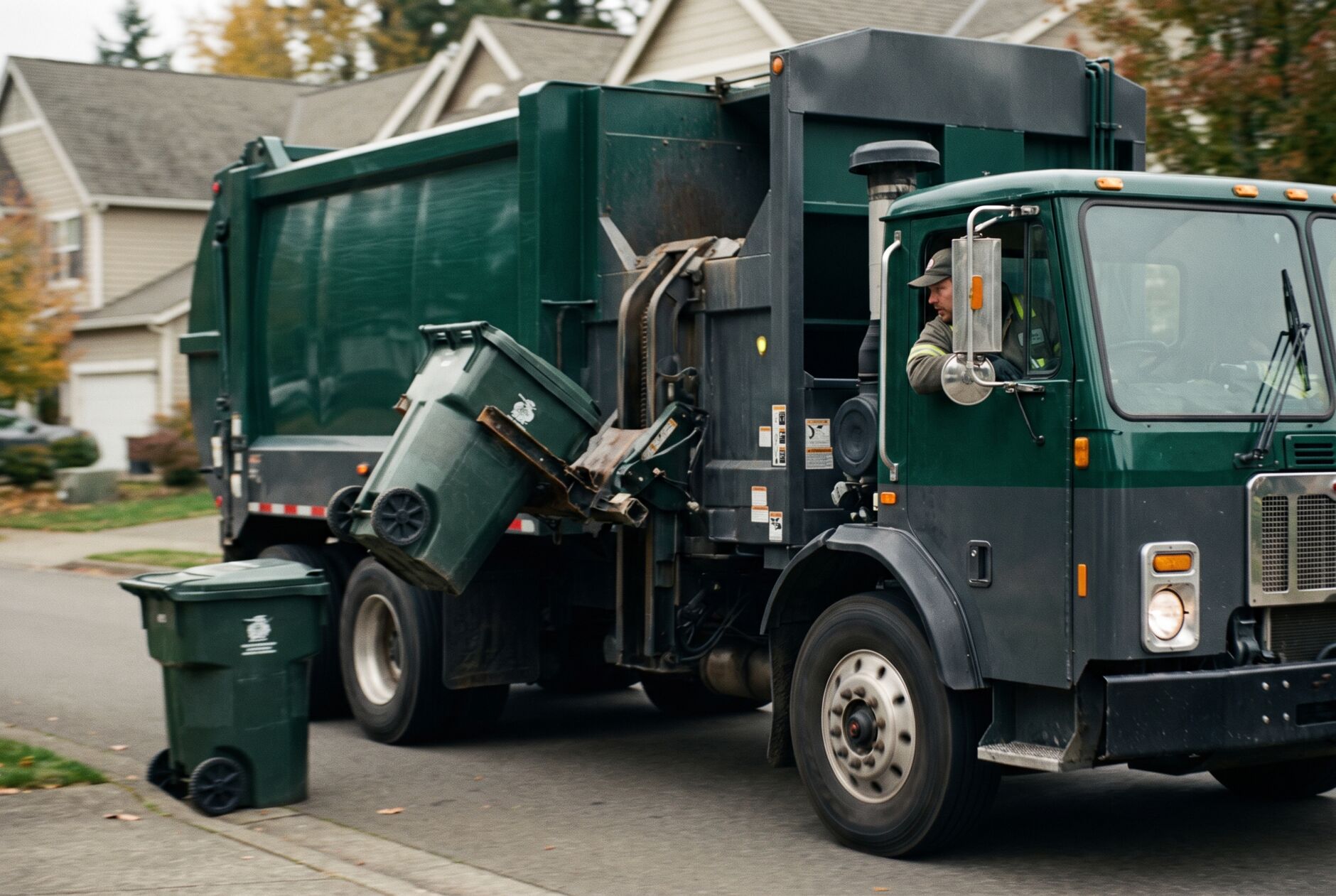
Residential & commercial hauling should see their day in the product.
The strongest solution pages map the buyer's current operation to day-one value and expansion paths, so they can picture Haultro before a demo.
Customer-measured
Route-mile and fuel impact
Measured
Missed-pickup change vs baseline
Provider-gated
Truck-location freshness
99.9% target
Platform uptime
The challenge
- ! Recurring routes drift out of sequence as you add and drop stops, so trucks backtrack and burn hours.
- ! Missed pickups turn into callbacks, credits, and angry commercial accounts you can not afford to lose.
- ! You can not see which routes actually make money once fuel, labor, and dump time are counted.
- ! Dispatch finds out a truck is behind or off-route hours after it matters, not in the moment.
- ! Service disputes come down to a driver's word against the customer's with no proof on file.
How Haultro answers
- ✓ Build recurring residential and commercial routes once, then let Haultro re-sequence stops automatically as accounts change.
- ✓ Review accepted-provider truck positions beside route state so dispatch can see behind-schedule work while there is still time to act.
- ✓ Cut missed pickups with optimized stop sequences, turn-by-turn nav, and live completion status on every stop.
- ✓ Capture proof of service with photos and signatures in Haultro Driver, ending he-said disputes on residential and commercial accounts.
- ✓ See route-level profitability that nets out fuel, labor, and disposal time, so you can reprice or redraw the routes that bleed.
- ✓ Push completed stops straight into billing so recurring service invoices itself instead of waiting on paperwork.
Residential & commercial hauling · Connected to the work on the groundBuilt for route hauling
Everything dispatch needs to run the day
Residential and commercial hauling lives and dies on routes that stay tight and trucks that stay moving. Haultro gives dispatch a single board for both.
Recurring route templates
Daily, weekly, and monthly service cycles that build themselves and re-sequence as stops are added or paused.
Route board
Recorded stops, ETAs, and accepted-provider truck positions share one screen, with freshness governed by the configured connection.
Missed-pickup safety net
Flag incomplete stops in real time and reschedule them onto the right truck before the day ends.
Proof of service
Drivers capture photos and signatures at the stop, time-stamped and tied to the account for instant dispute resolution.
Know your numbers
Price every route for margin
You can not fix what you can not see. Haultro ties cost back to the route so you know which accounts pay for themselves.
Route profitability that nets fuel, labor, and disposal against revenue per stop.
Recorded route, disposal, maintenance, and billing totals to review work that may have gone underwater.
Capacity and overflow signals so you add stops without breaking the route or the day.
How it works
Adopting residential & commercial hauling.
01
Import your routes and accounts
Bring in recurring residential and commercial stops, service cycles, and trucks. Haultro builds the route templates for you.
02
Optimize and dispatch
Haultro sequences each route for the shortest profitable path and sends it straight to Haultro Driver with turn-by-turn nav.
03
Run the day
Dispatch reviews route state and accepted-provider truck positions, reroutes around problems, and clears missed-stop exceptions before they become callbacks.
04
Close out and bill
Proof of service flows into billing so completed recurring stops become invoice-ready. QuickBooks and Stripe actions require accepted customer connections.
FAQ
Questions, answered.
Can Haultro handle both residential and commercial routes in one system?
Yes. Mixed residential and commercial routes run on the same board, with recurring templates for each service type and a live view of every truck.
How can Haultro help reduce missed pickups?
Published stop sequences and recorded completion status help dispatch find incomplete work and reschedule it. Improvement must be measured against the customer's accepted baseline; Haultro does not guarantee a percentage.
How do I know which routes are actually profitable?
Haultro nets fuel, labor, and disposal time against revenue at the route and stop level, so you can see cost-per-stop and reprice or redraw the routes that lose money.
What proof do drivers capture on a stop?
Haultro Driver captures time-stamped photos and signatures tied to the account, giving you proof of service to settle disputes on both residential and commercial work.
Does completed service feed invoicing?
Yes. Completed stops and proof flow into billing. QuickBooks and Stripe synchronization requires credentials, provider activation, reconciliation tests, and live acceptance.
In the field
What residential & commercial hauling teams run.
Recurring residential cart and curbside routes on daily, weekly, and biweekly cycles.
Commercial front-load and account stops with contracted service windows.
Dynamic re-sequencing as accounts start, pause, or cancel mid-cycle.
Missed-pickup recovery and same-day reschedule onto the nearest truck.
Route-level profitability reviews to reprice or redraw weak routes.
Get started
Built for residential & commercial hauling.
We'll tailor a demo to your routes, containers, and billing.